A status page, webhooks on every form and a faster dashboard
A public status page, a new page and Webhooks tab for every form, workspace and account deletion, the SDK on npm, rebuilt docs and a faster dashboard.
 Preet SutharFounder, Ikiform
New
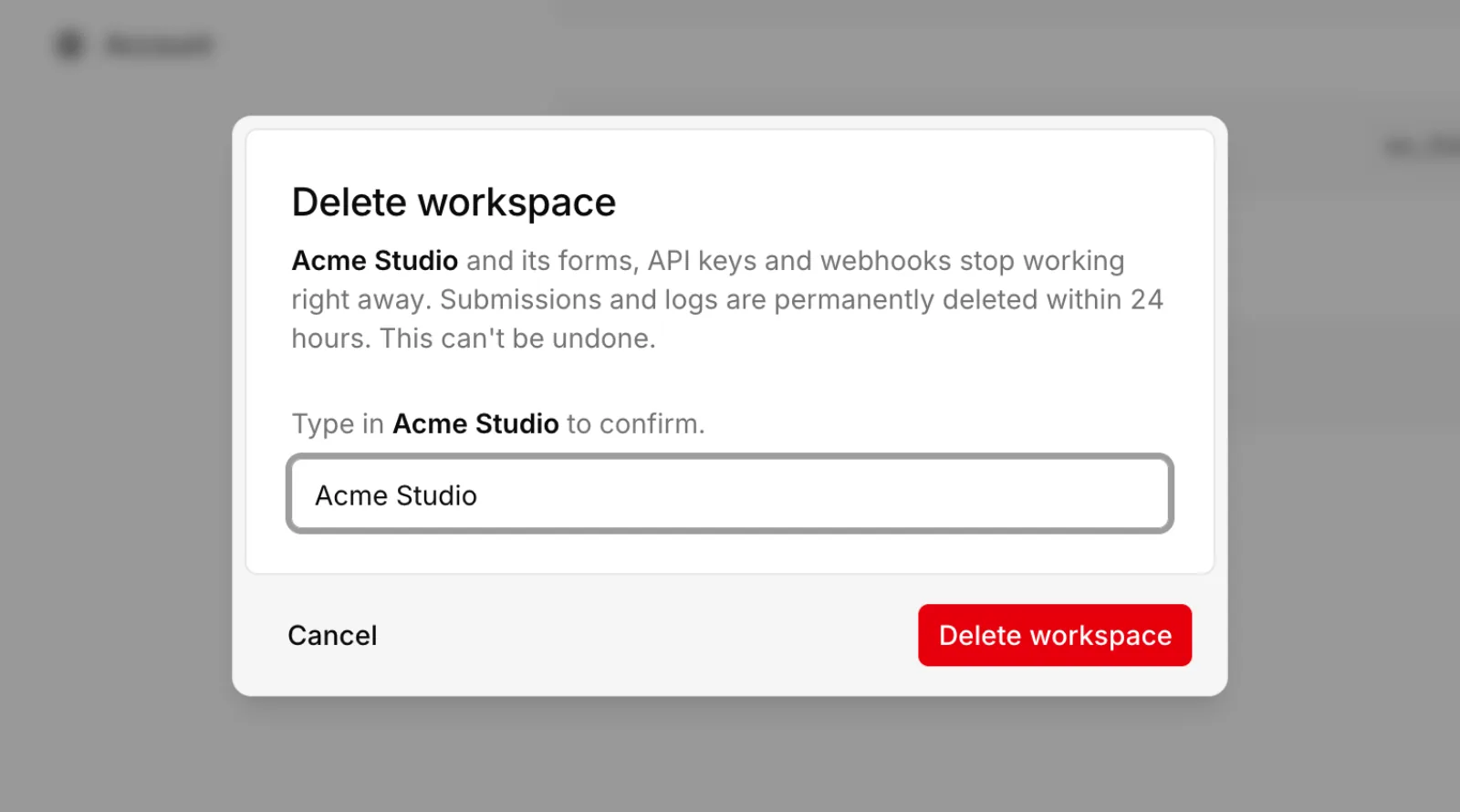
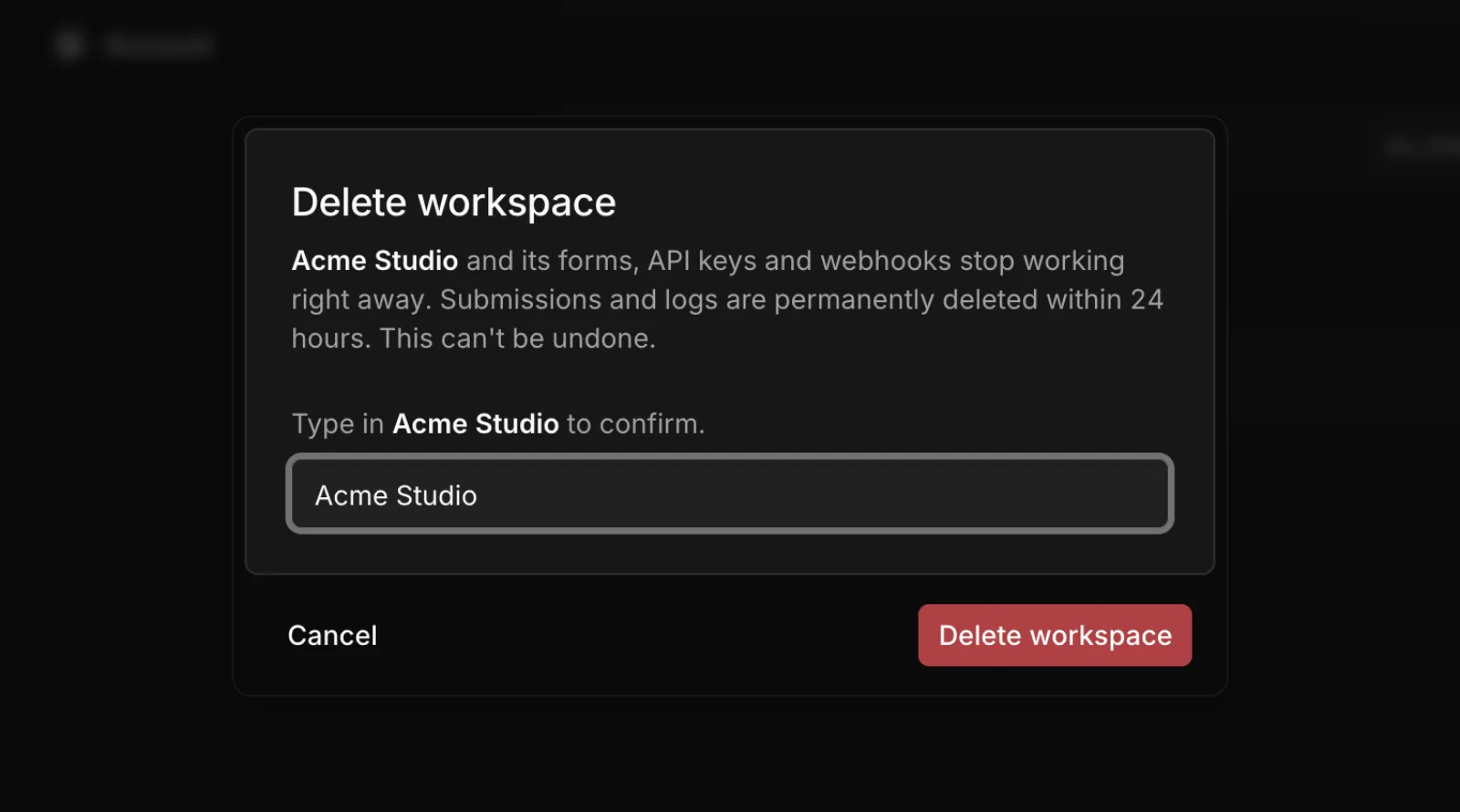
Delete a workspace or your account
Delete a workspace or your whole account yourself from Settings. Any plan is cancelled first, then forms, submissions, webhooks and API keys are removed.
- Type the workspace name or your email to confirm.
- Workspaces you share with others stay safe: make someone else an owner first.
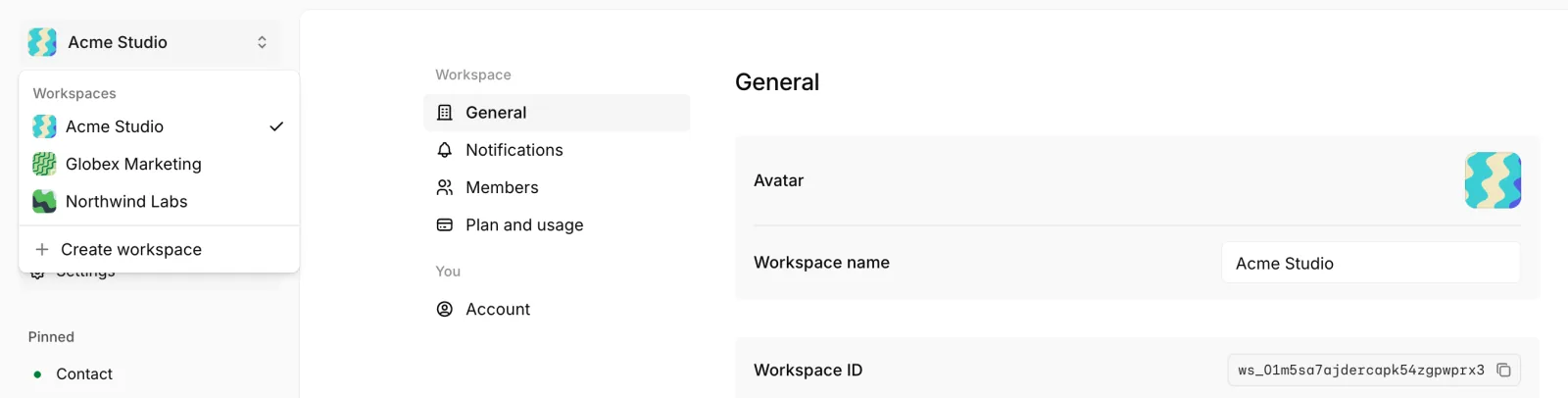
Workspace avatars
Every workspace gets its own wavy pattern, so you can tell them apart at a glance. Click the avatar in Settings to shuffle until you like one.
Security, DPA and legal pages
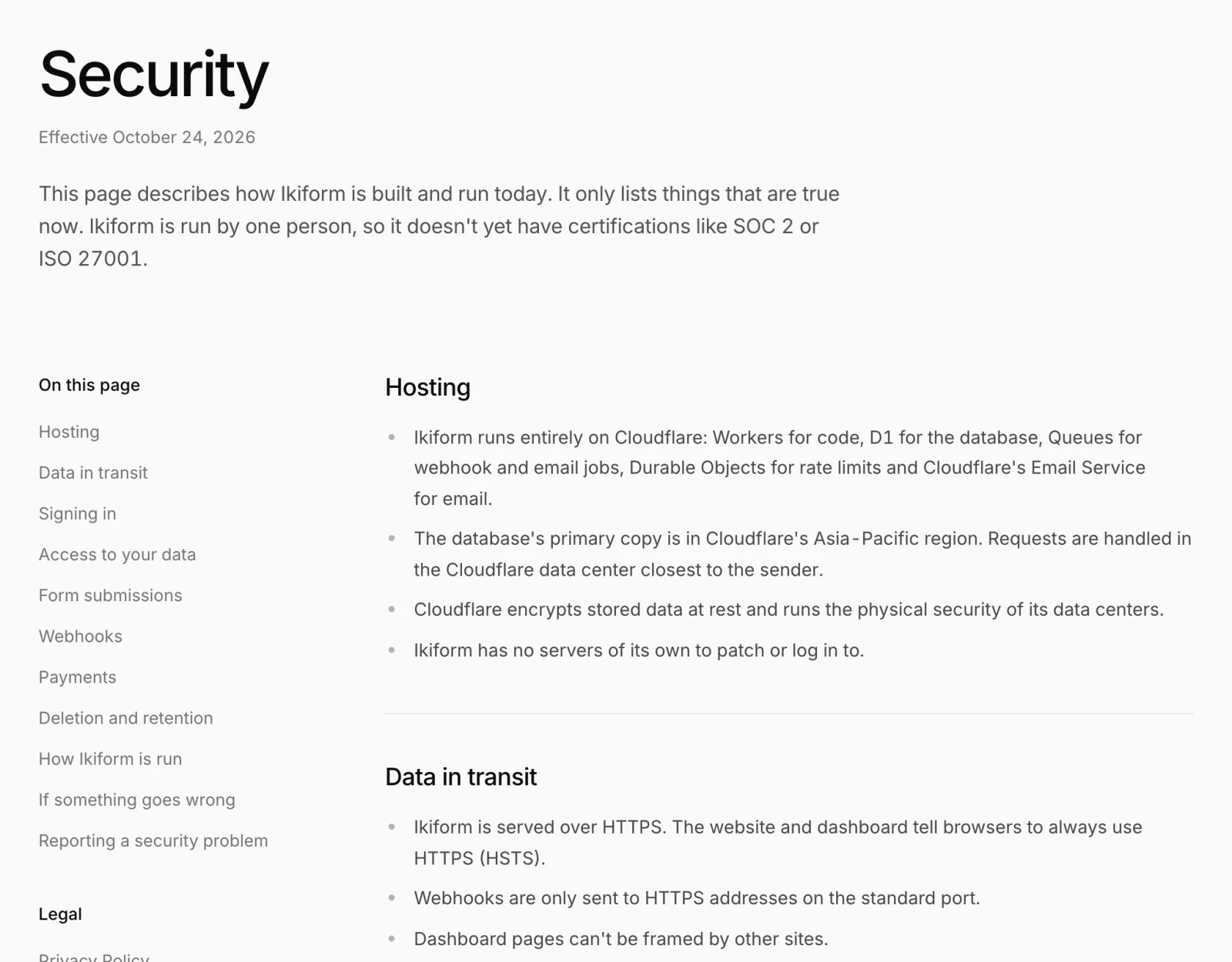
New pages explain how Ikiform protects data and how it handles your users' data as a processor.
- A Data Processing Agreement that's part of the Terms, plus the list of sub-processors.
- Security, Acceptable Use, Abuse and takedown, and Law enforcement pages.
- A clear Refund Policy, including the rights local law gives you where you live.
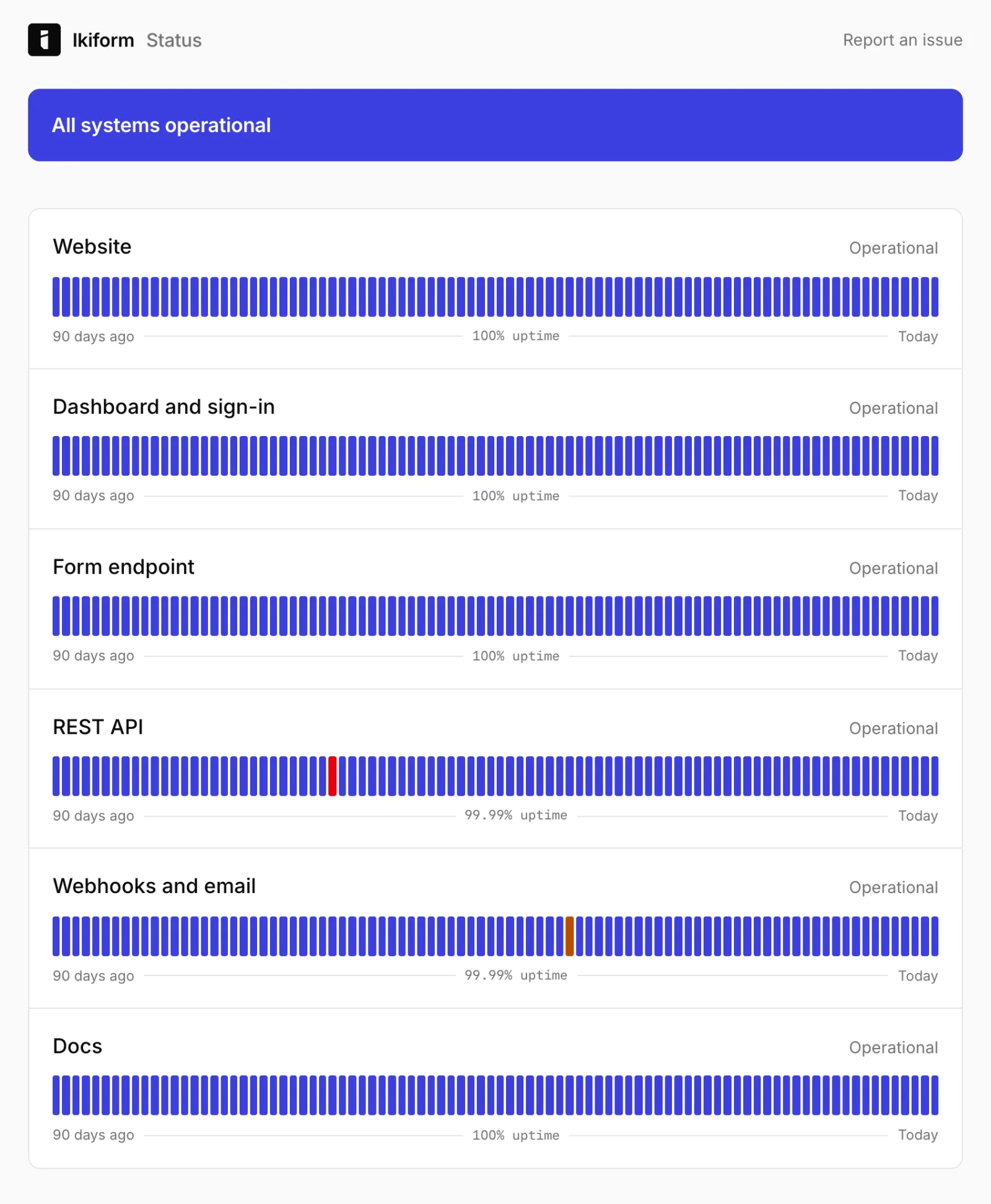
A public status page
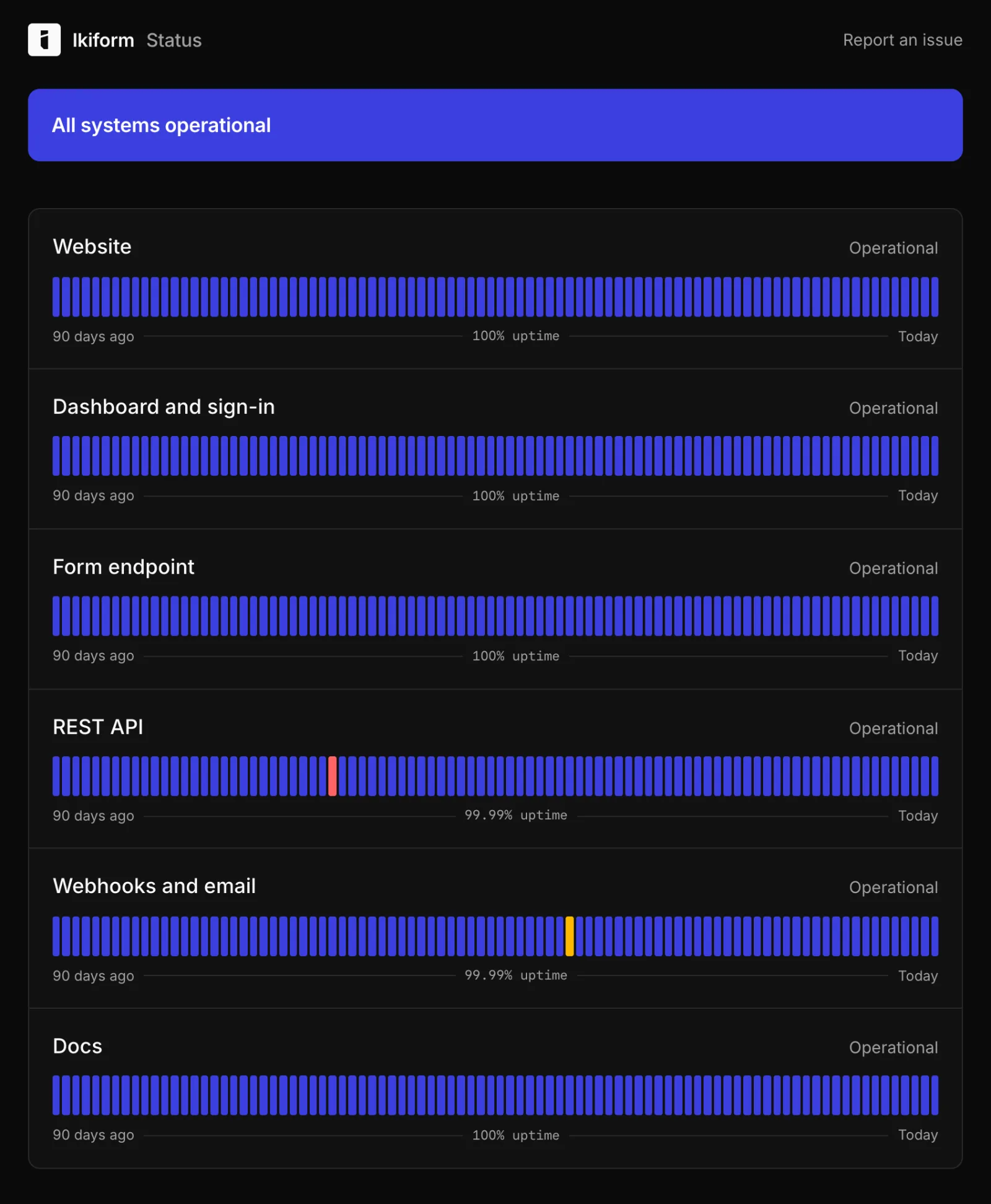
status.ikiform.com checks every part of Ikiform once a minute from outside our own infrastructure, so you can see what's up without asking.
- Website, dashboard and sign-in, the form endpoint, the REST API, docs, and webhook and email delivery each have their own row.
- 90 days of uptime per component, with incidents and scheduled maintenance.
- Outages open an incident on their own and close it when checks recover.
- JSON, Atom and RSS feeds for your own monitoring.
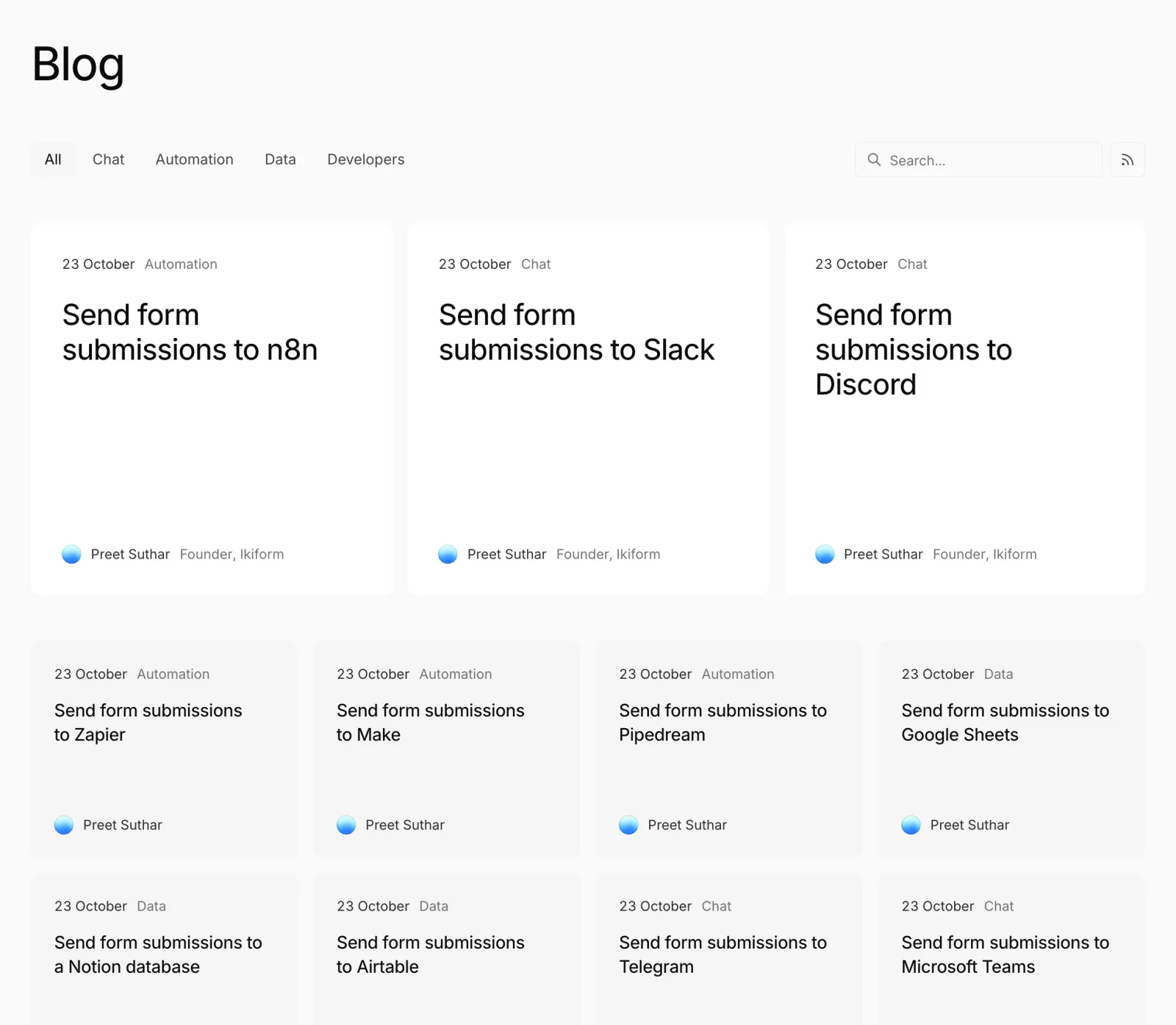
14 guides for sending submissions to your tools
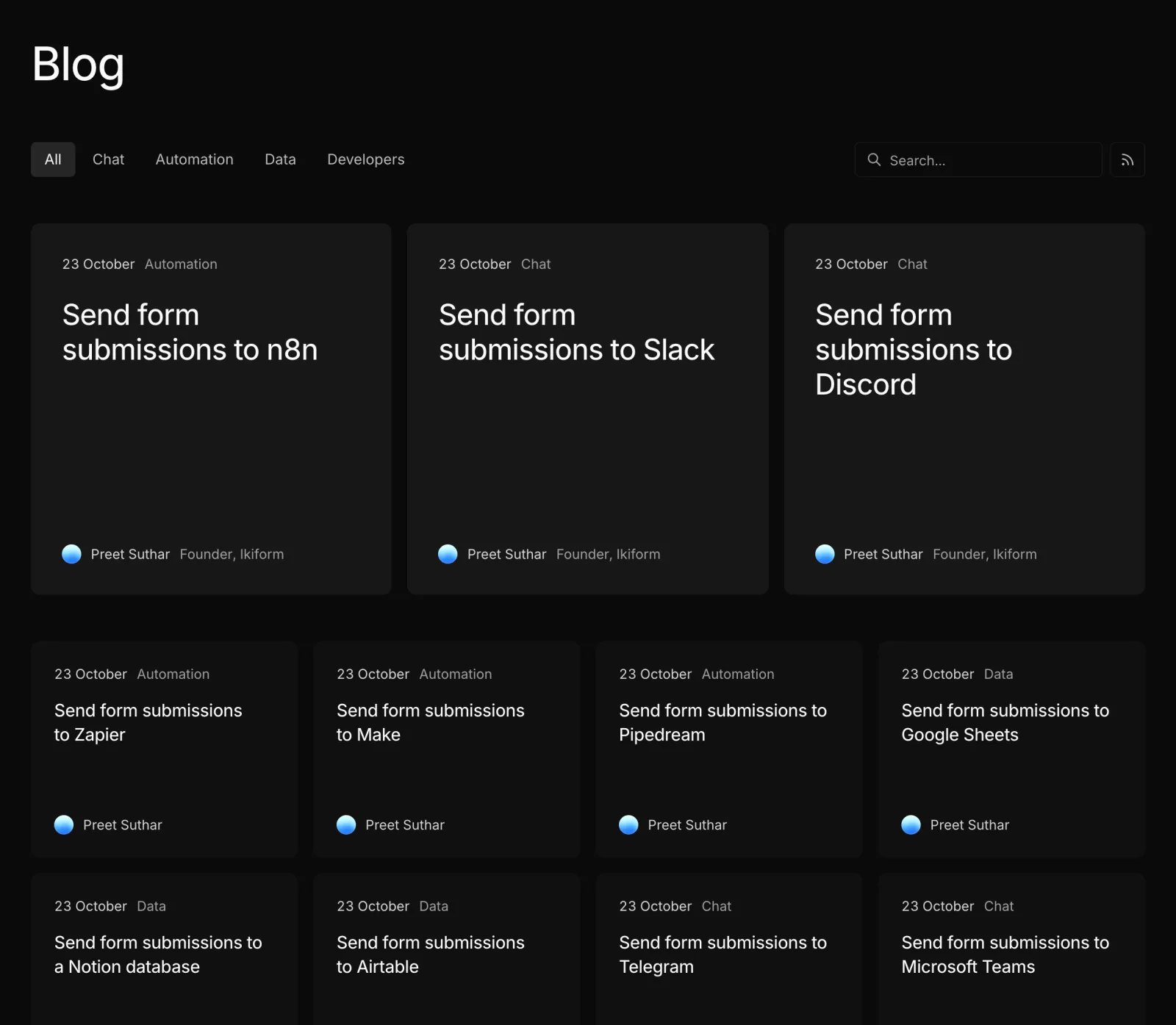
Step-by-step guides for Slack, Discord, n8n, Zapier, Make, Pipedream, Google Sheets, Notion, Airtable, Telegram, Microsoft Teams, Google Chat, Linear, GitHub and your own server.
- Each guide verifies Ikiform's signature before anything reaches the tool.
- Copy-ready relays for Cloudflare Workers and Next.js where a tool expects its own message format.
- Hand-drawn diagrams show how each setup works, step by step.
- Every guide is also available as Markdown for AI agents.
Webhooks on every form
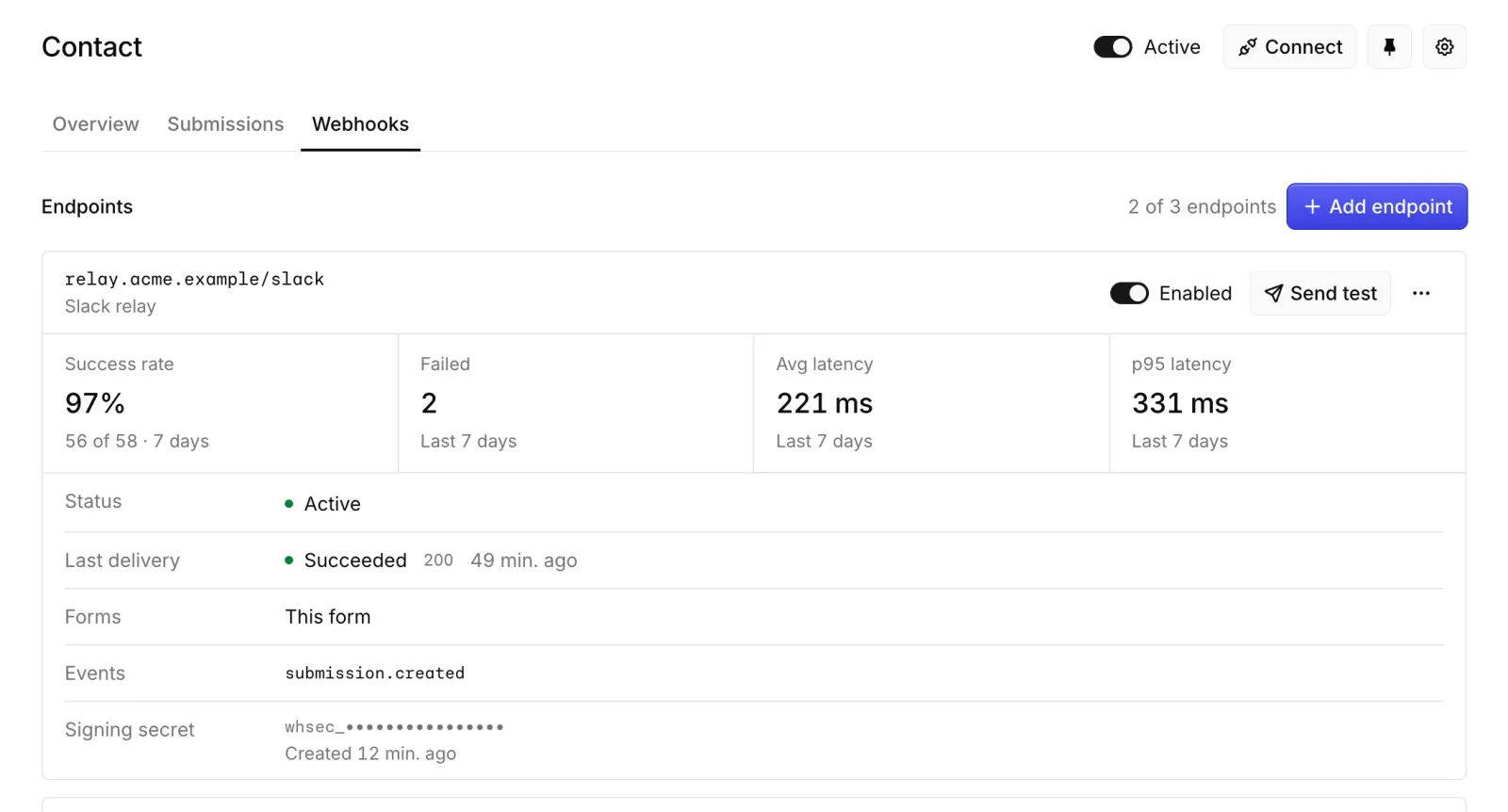
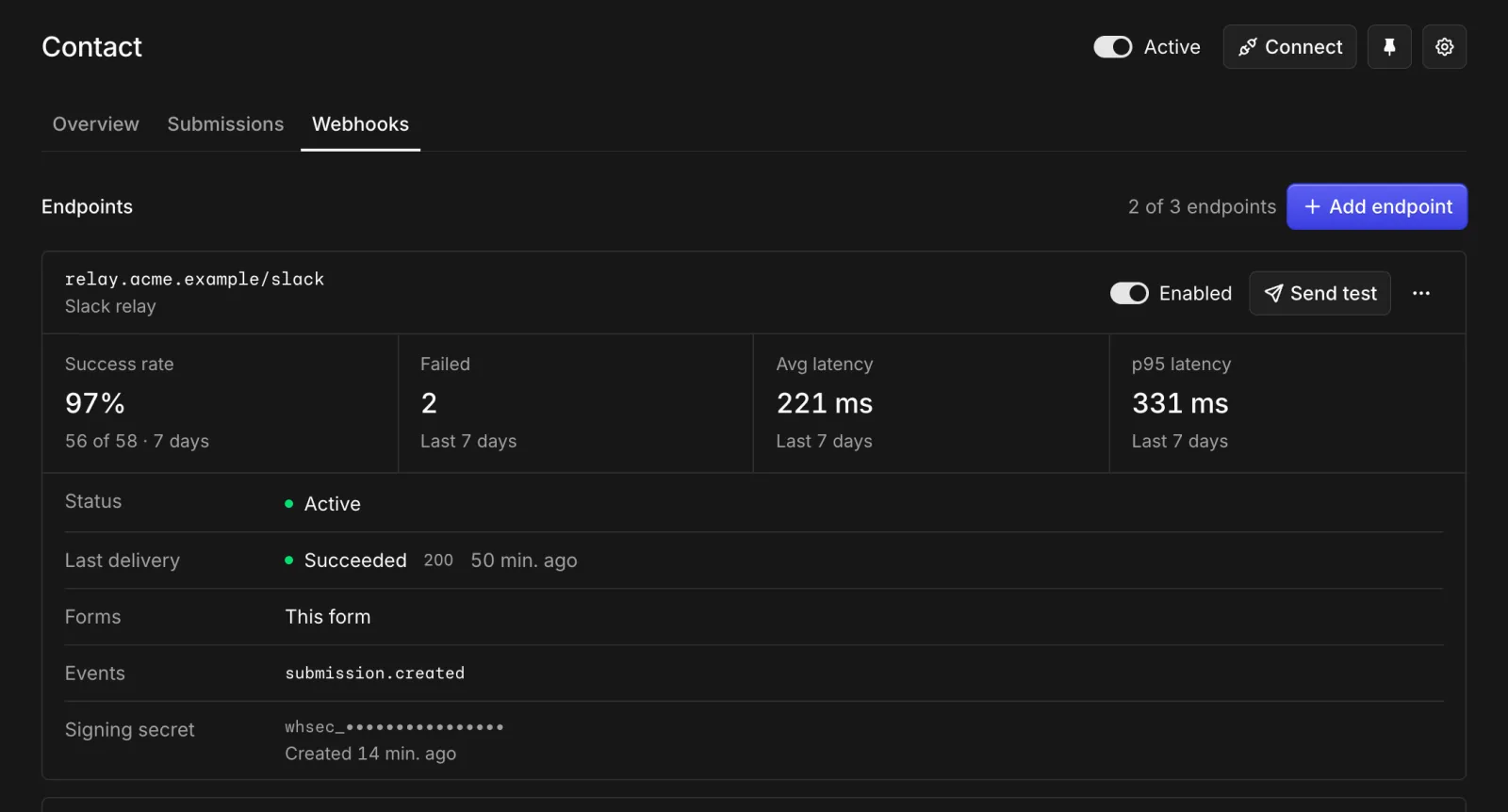
Each form now has a Webhooks tab that shows every endpoint receiving its submissions and every delivery it made.
- Success rate, failures, and average and p95 response time over the last 7 days.
- A delivery log you can filter by endpoint and status, with every attempt, response and the exact payload.
- Retry failed deliveries, send a test, roll the signing secret or switch an endpoint off, without leaving the form.
Pin forms to the sidebar
Pin the forms you open most and they stay one click away in the dashboard sidebar. Pins are personal, so each teammate keeps their own.
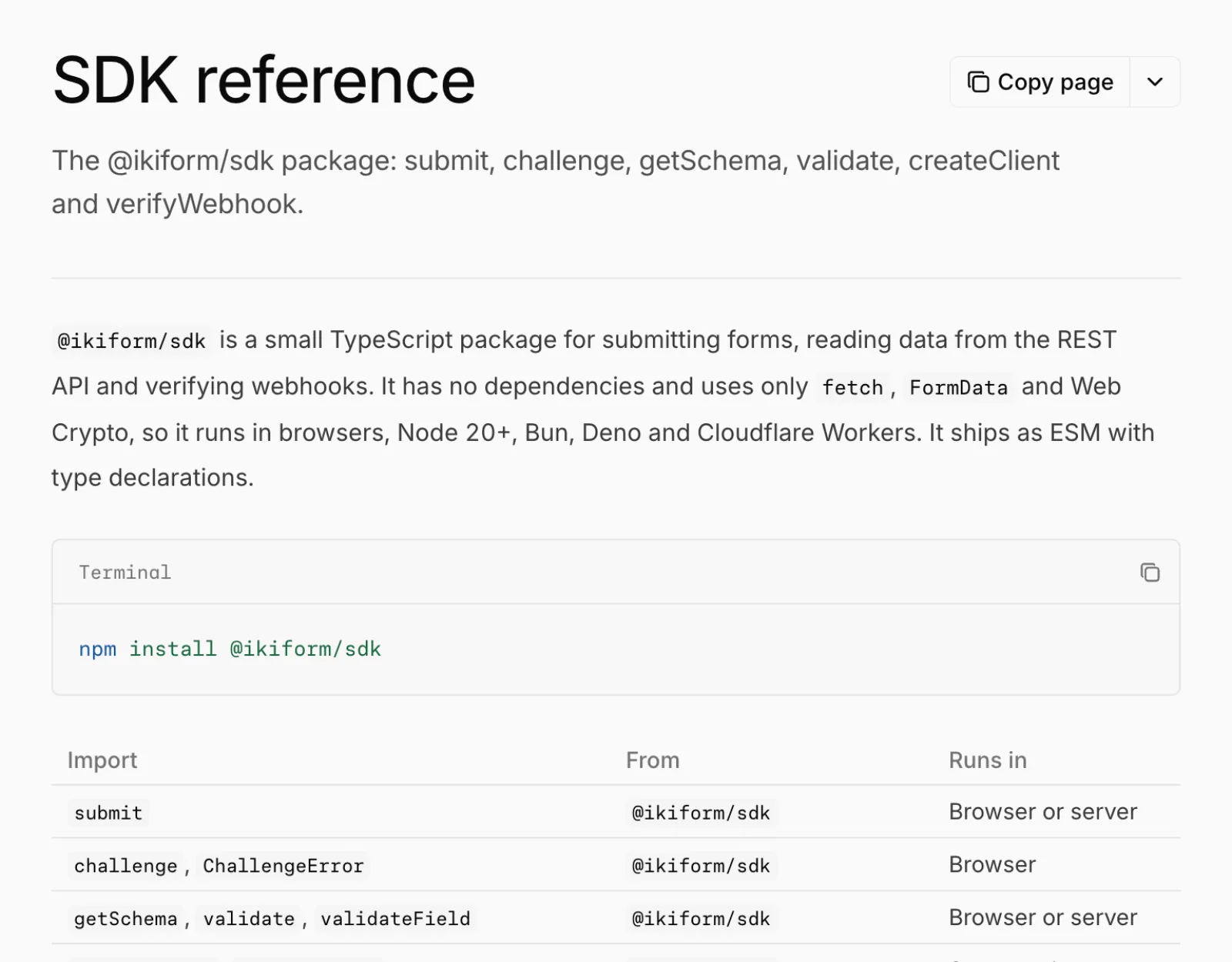
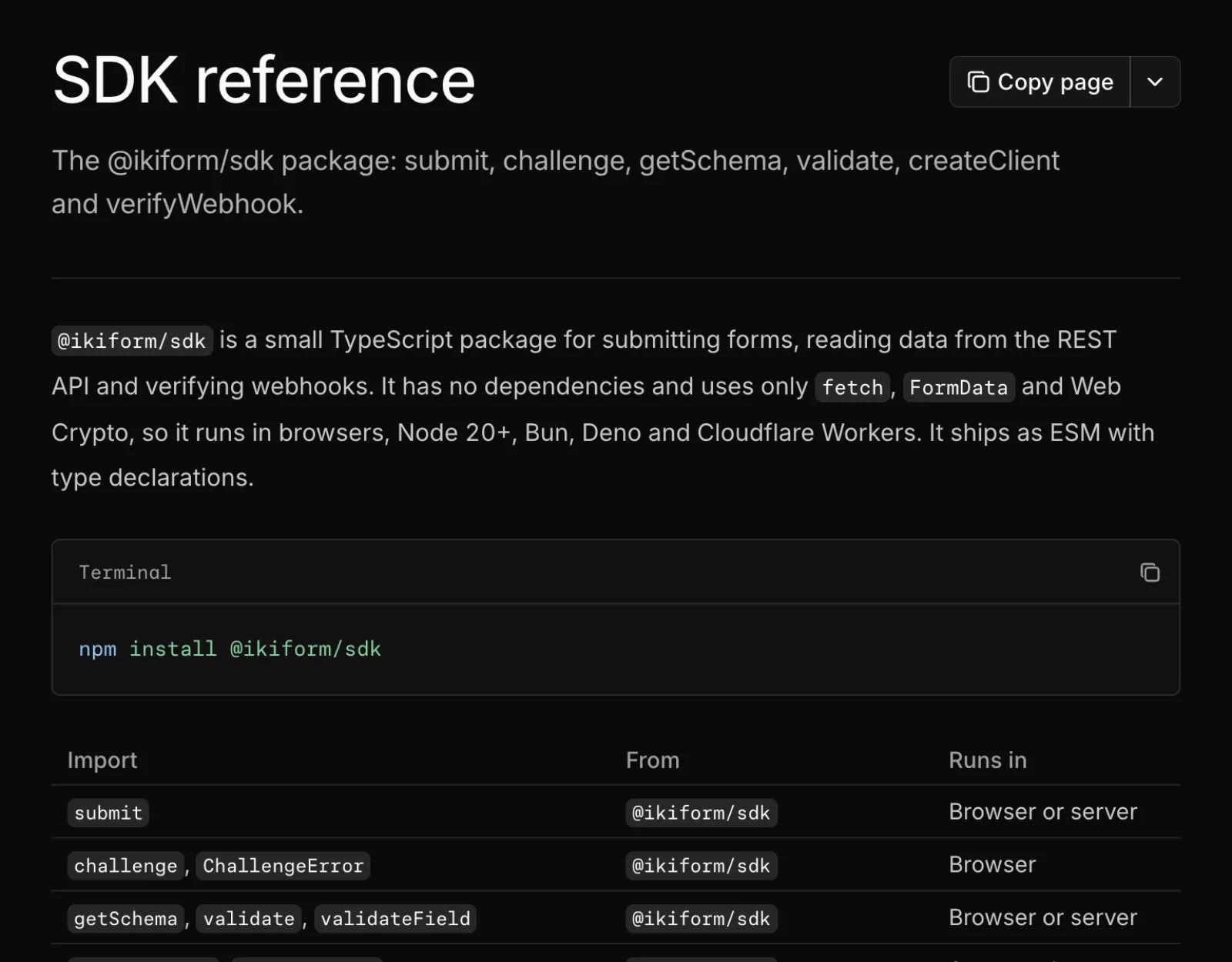
@ikiform/sdk is on npm
The SDK is published under the MIT license. It submits forms, calls the REST API and verifies webhook signatures, with full TypeScript types.
Improved
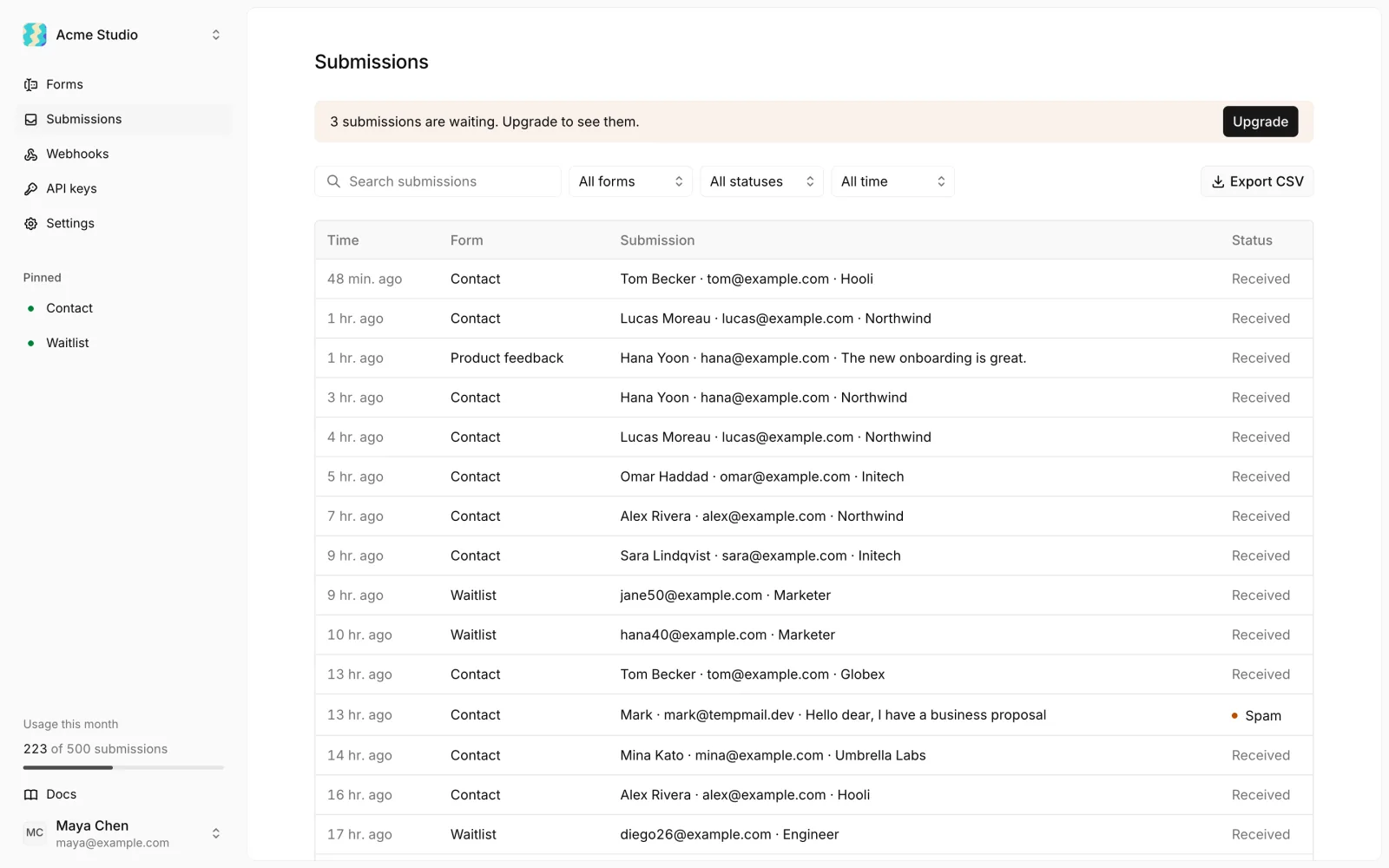
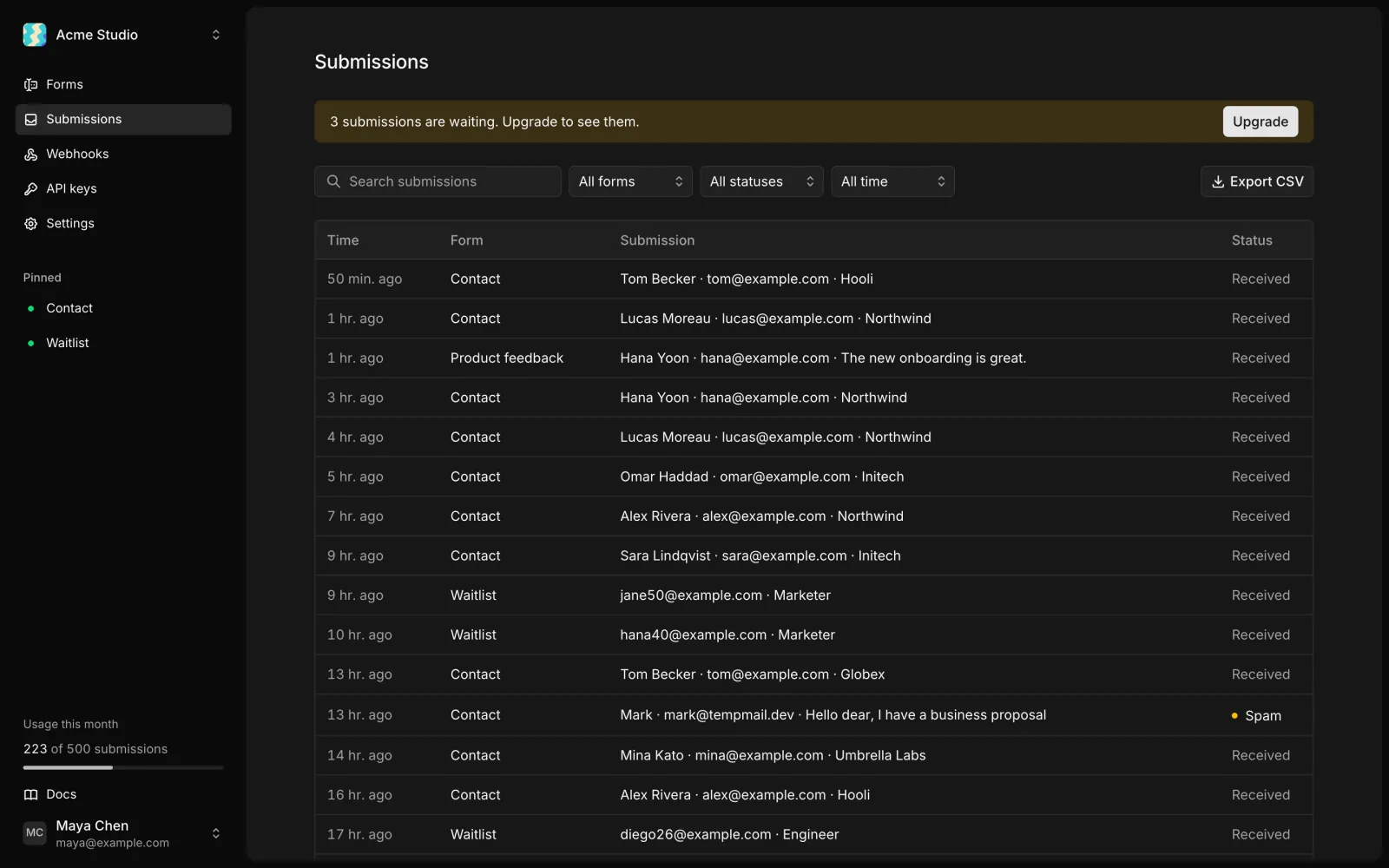
A faster dashboard
Every page in the dashboard now responds the moment you click, with a placeholder while data loads, and does less work behind each page and button.
- Fewer database round trips on every dashboard page.
- Buttons no longer refresh the whole dashboard twice.
Pick a plan with a slider
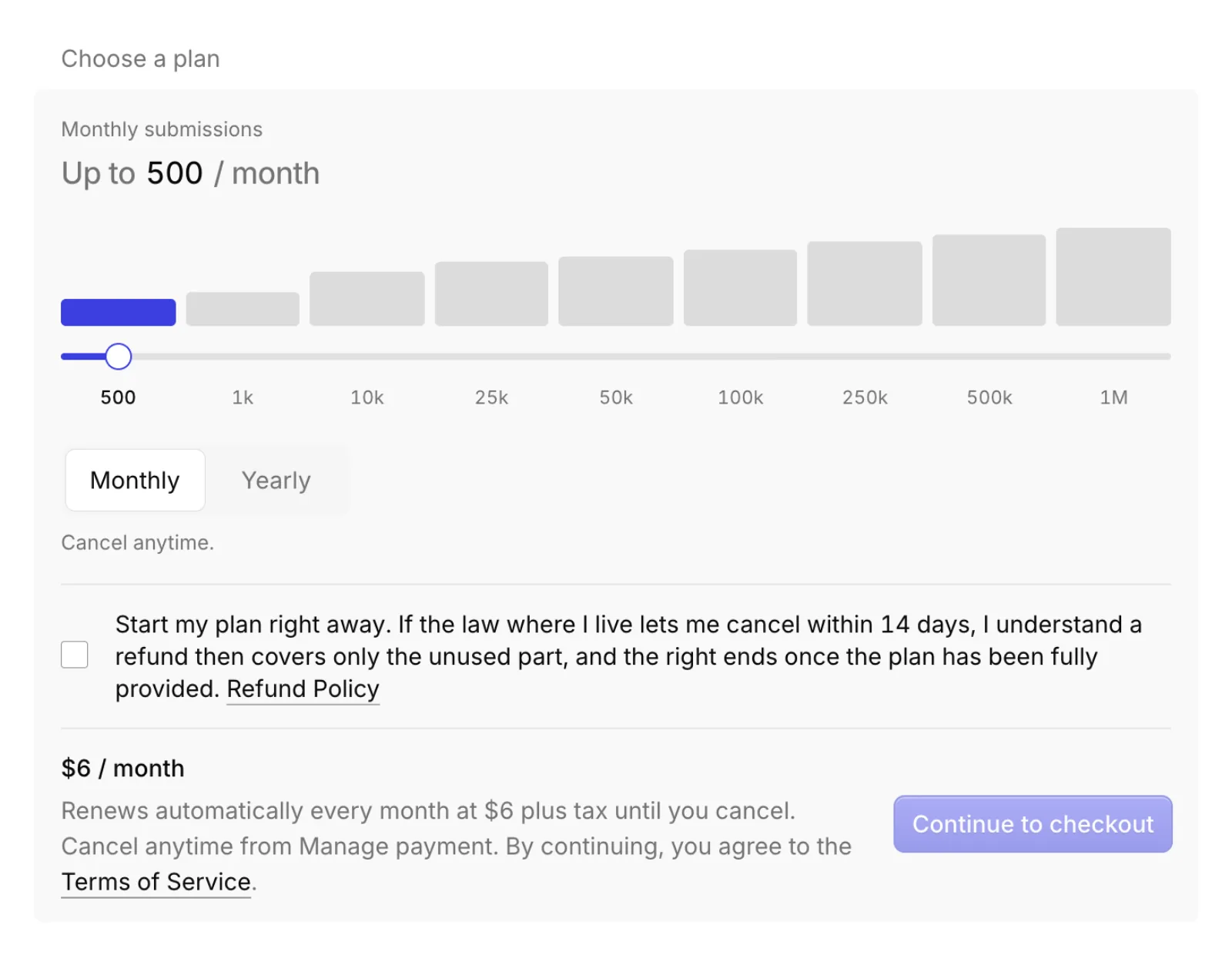
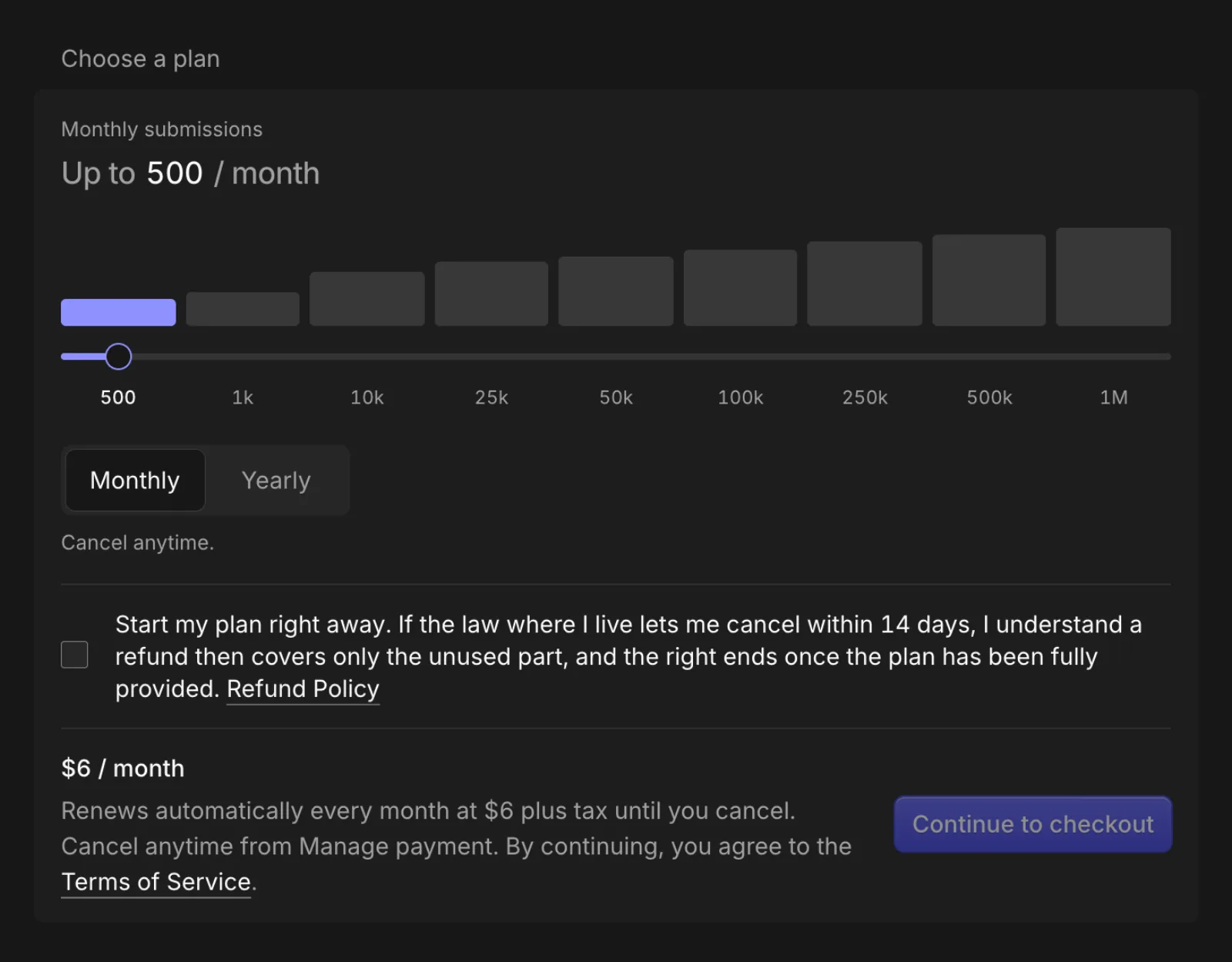
Billing settings use the same submissions slider and monthly or yearly toggle as the pricing page, so choosing a plan works the same everywhere.
Notification emails handle bounces
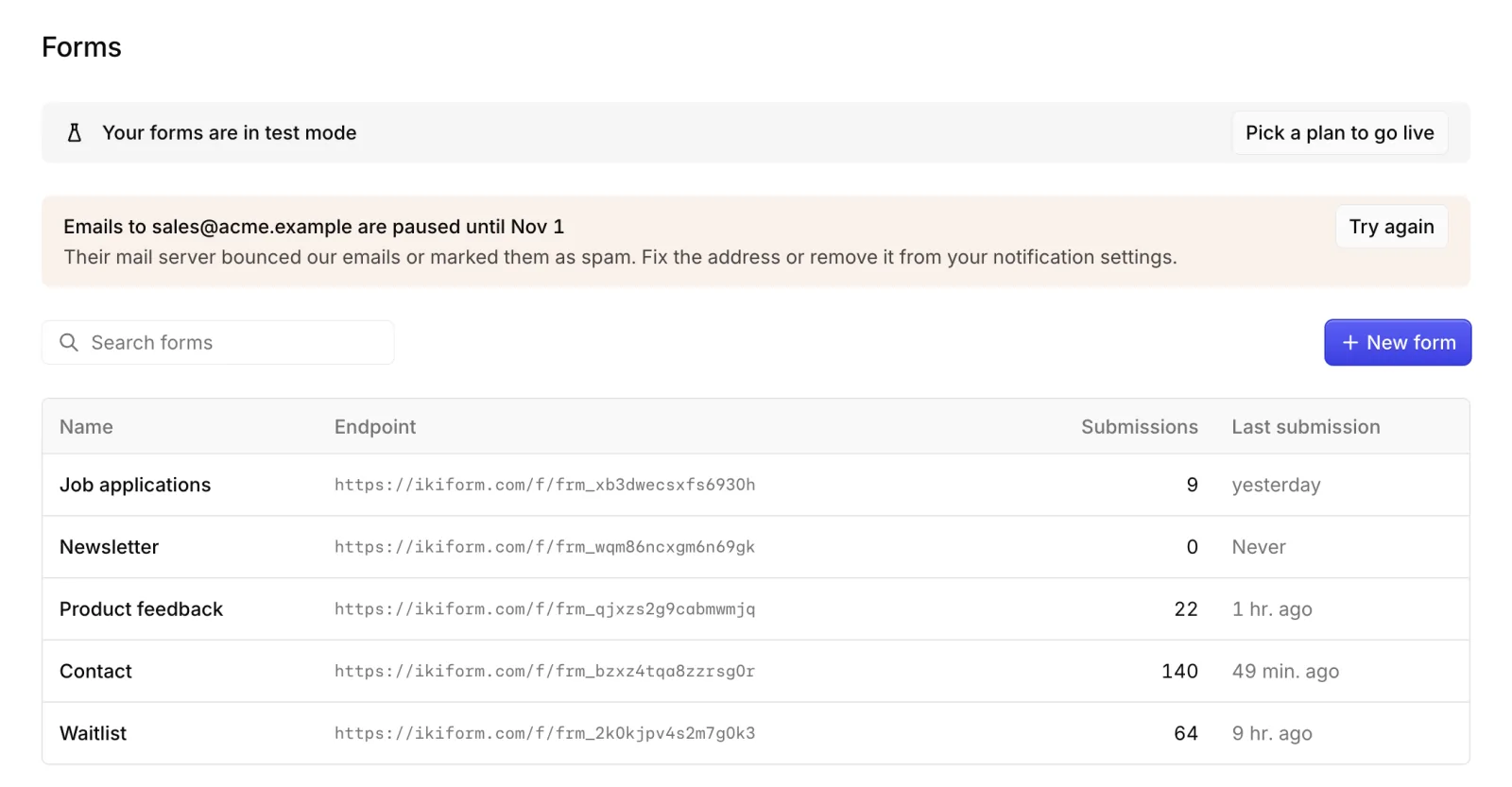
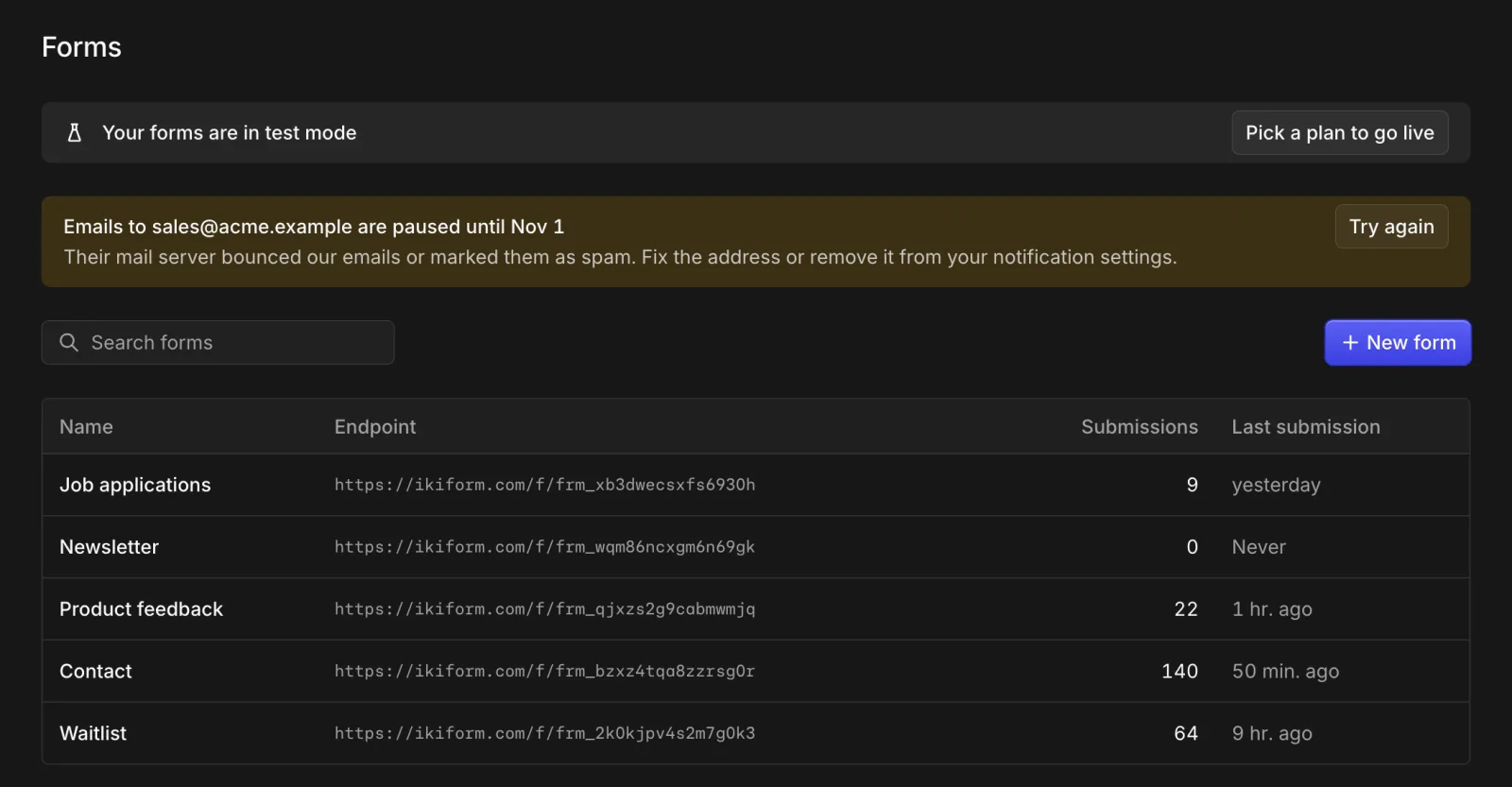
When a notification address bounces or marks our emails as spam, Ikiform pauses emails to it and tells you, instead of retrying into the void.
- A banner on the forms page lists paused addresses, with a Try again button.
- Other recipients on the same form keep getting their emails.
- Paused addresses are retried automatically after 7 days.
A new form page
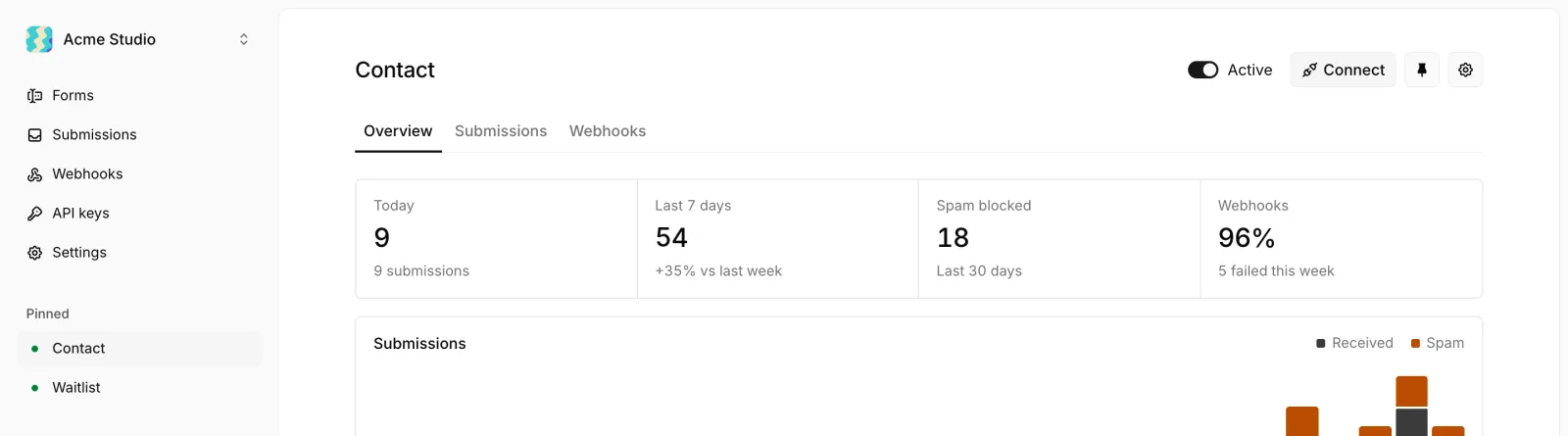
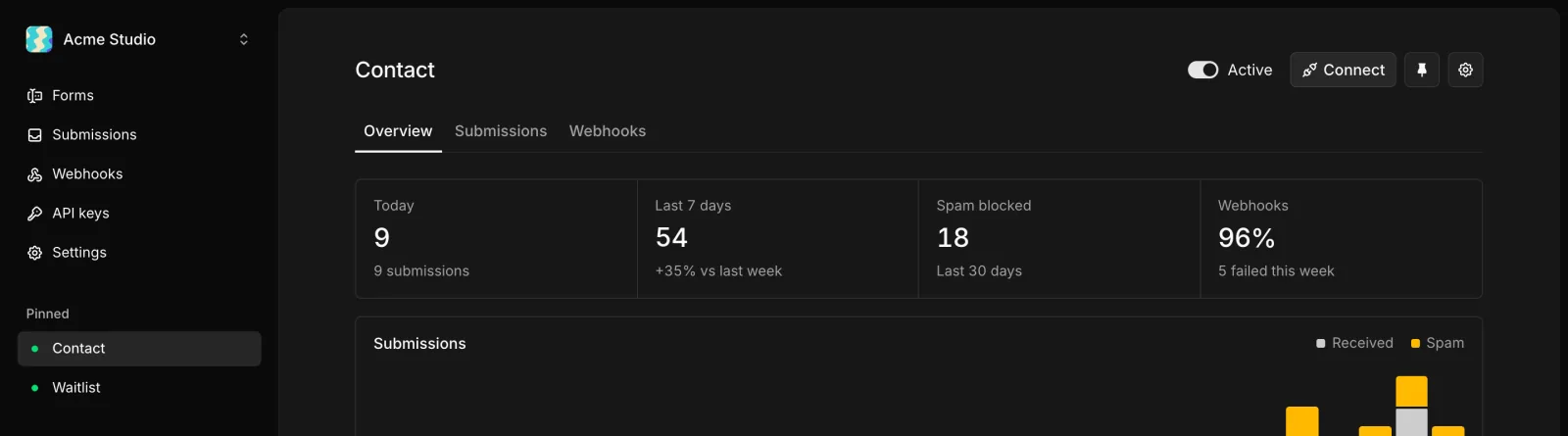
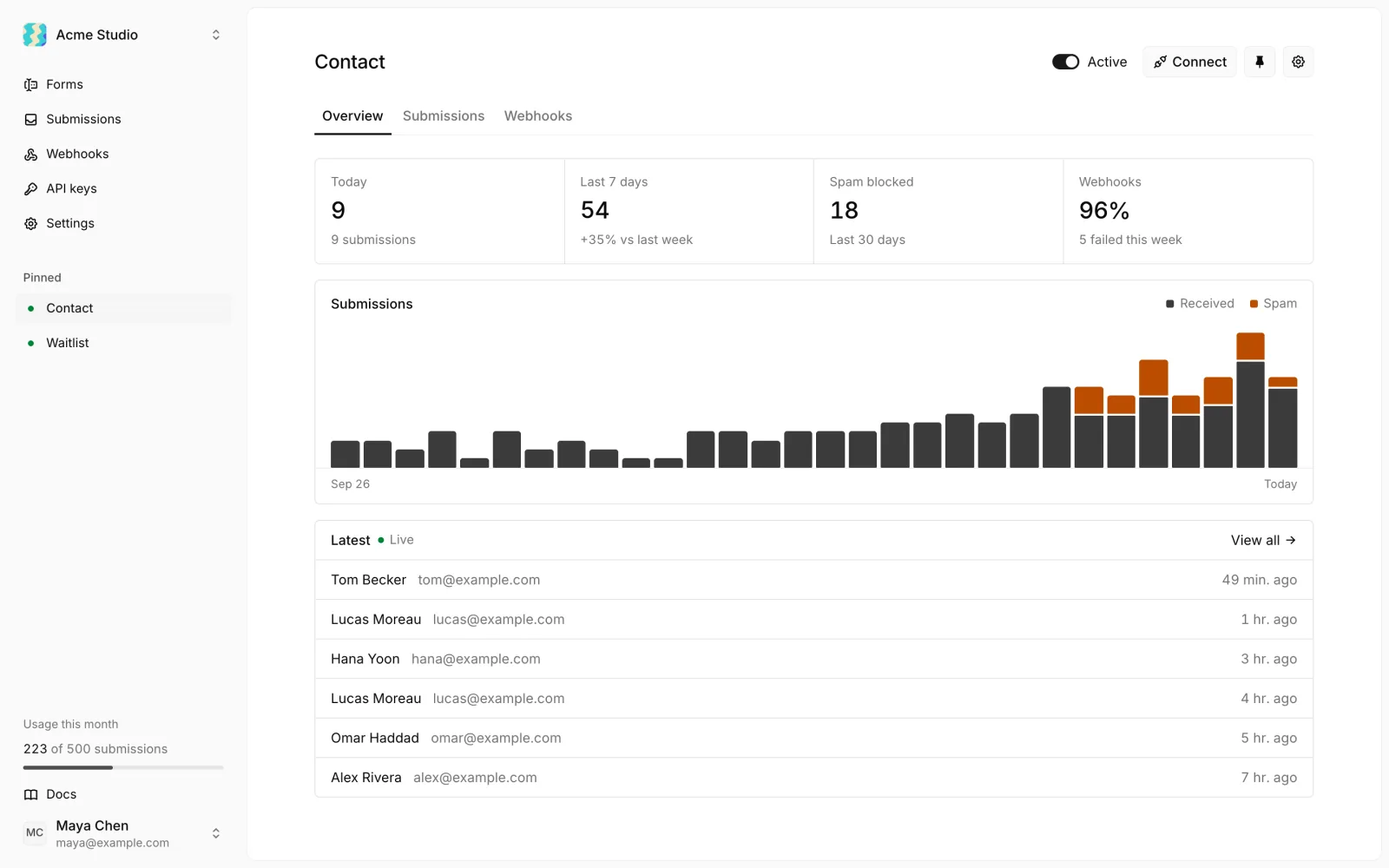
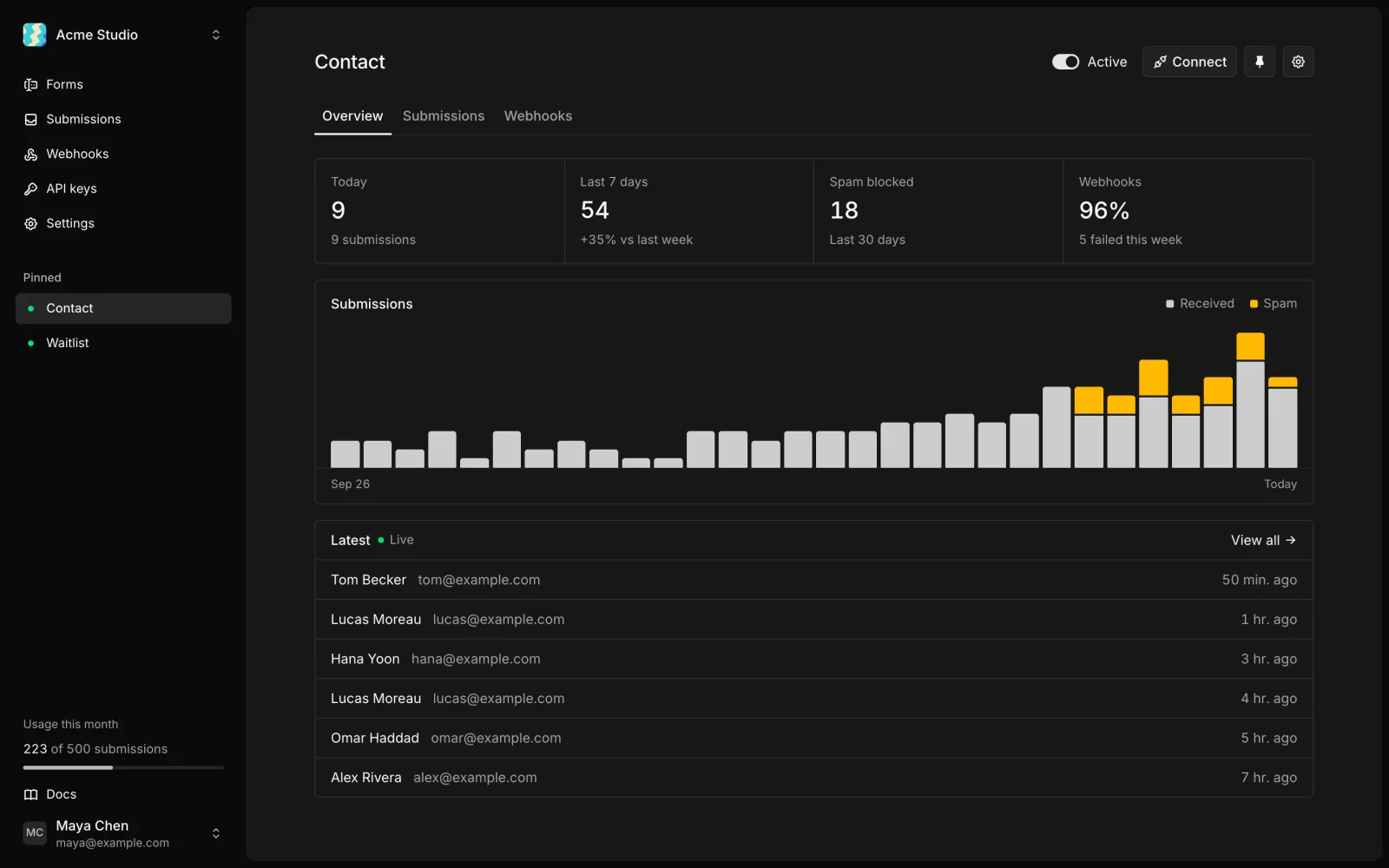
Every form opens on a live activity view: today's and this week's submissions, spam blocked, webhook health, a 30-day chart and a feed of the latest submissions as they arrive.
- Form settings moved into one dialog with General, Fields, Protection, Notifications and Danger sections.
- New forms show the endpoint and copy-ready snippets until the first submission lands.
Docs rebuilt for people and AI agents
The docs now cover every part of Ikiform in detail, with interactive playgrounds and a Markdown version of every page.
- Try requests, field rules and webhook signature checks right in the docs.
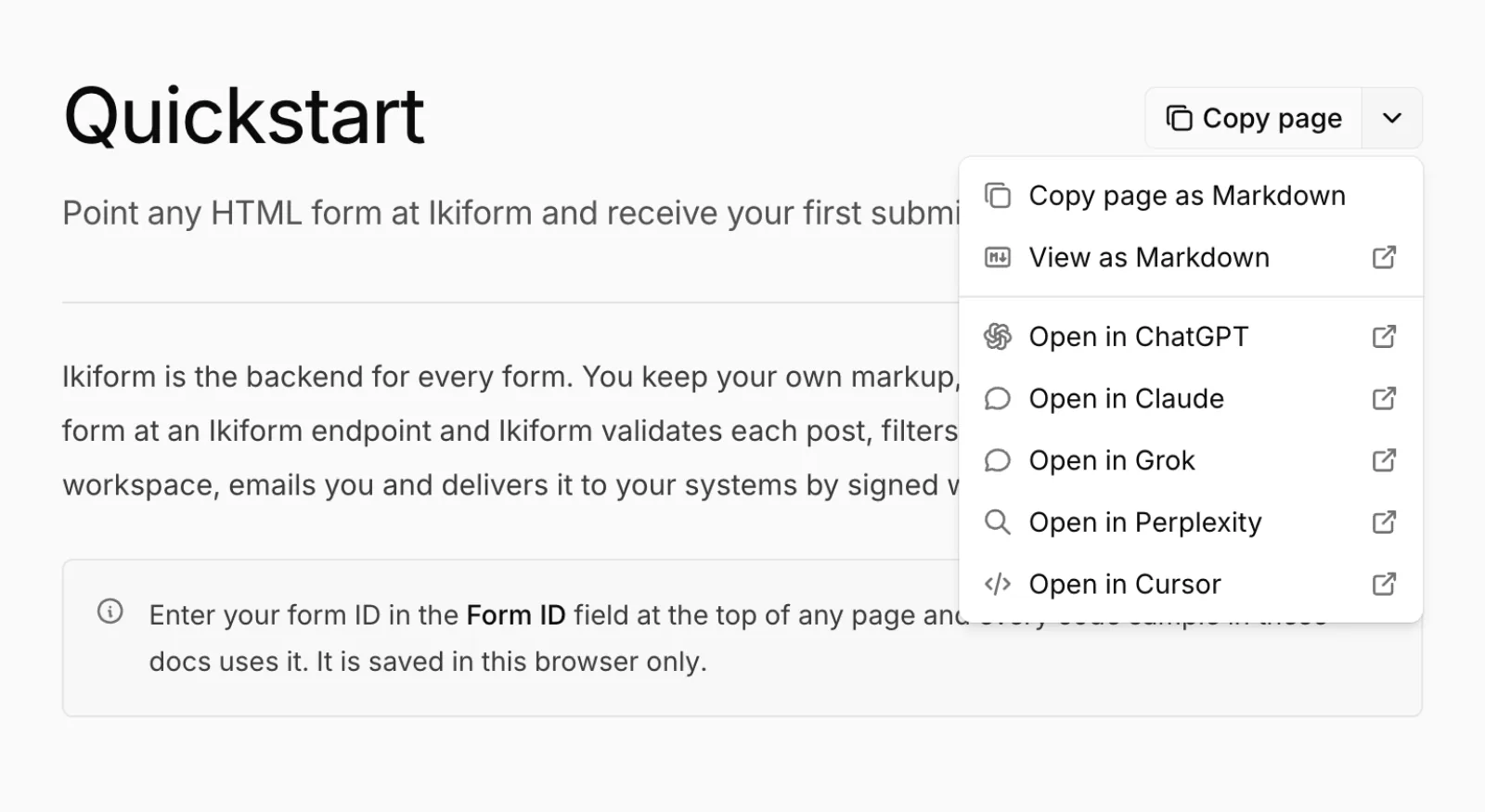
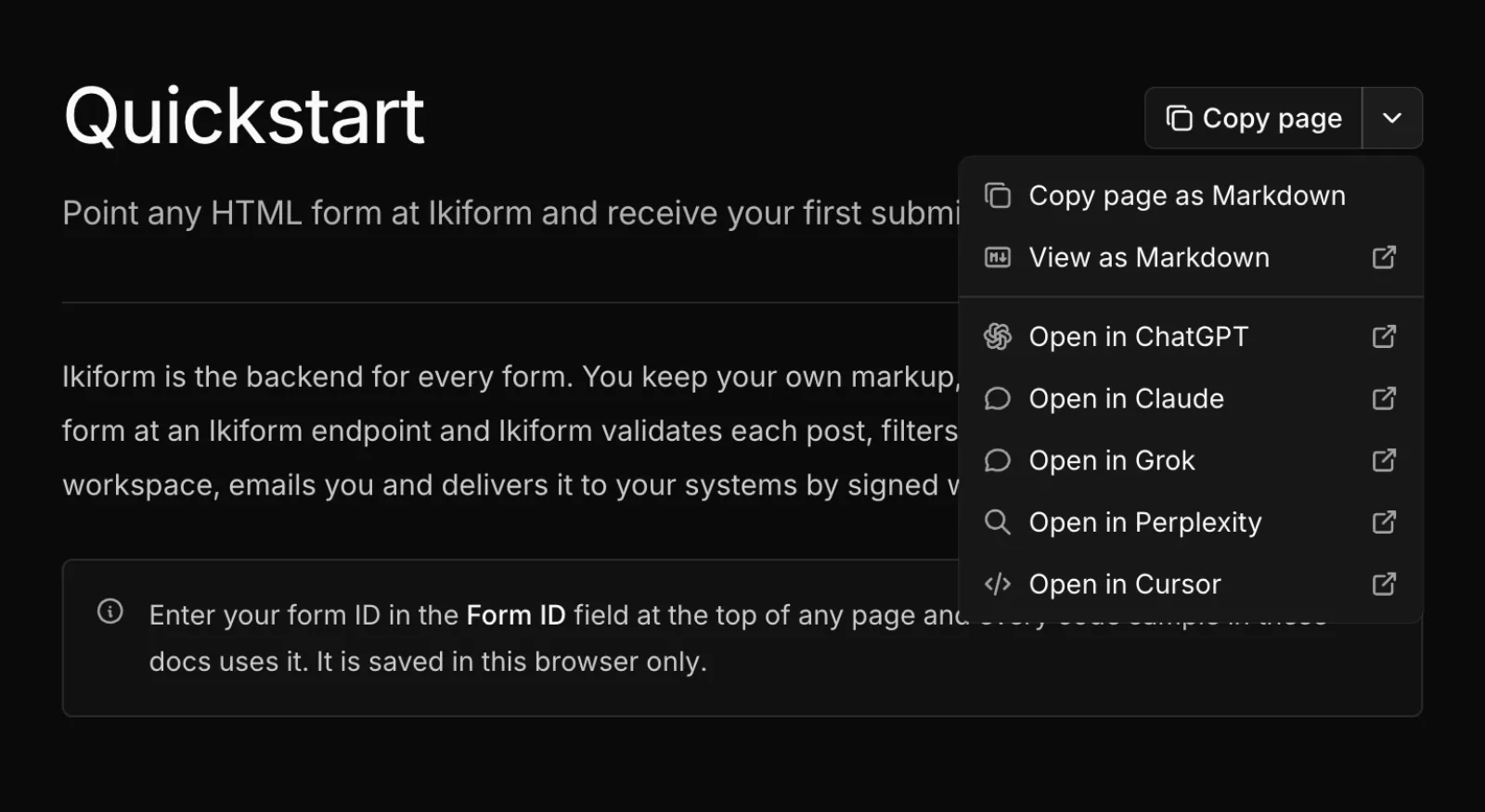
- Copy any page as Markdown or open it in Claude, ChatGPT, Grok or Cursor.
- llms.txt and llms-full.txt so coding agents can read everything at once.
- Guides for HTML, React, Next.js, Vue, Svelte, Astro, site builders and webhook handlers.
Less data, kept for less time
Webhooks and the API share one set of submission details, and IP hashes are no longer included. When you delete a form, its submissions and delivery logs are erased in the background.